Choosing a price is one of the most important decisions you’ll make on Amazon. Price too high and readers hesitate. Price too low and you leave money on the table, or signal low value.
How eBook royalties work
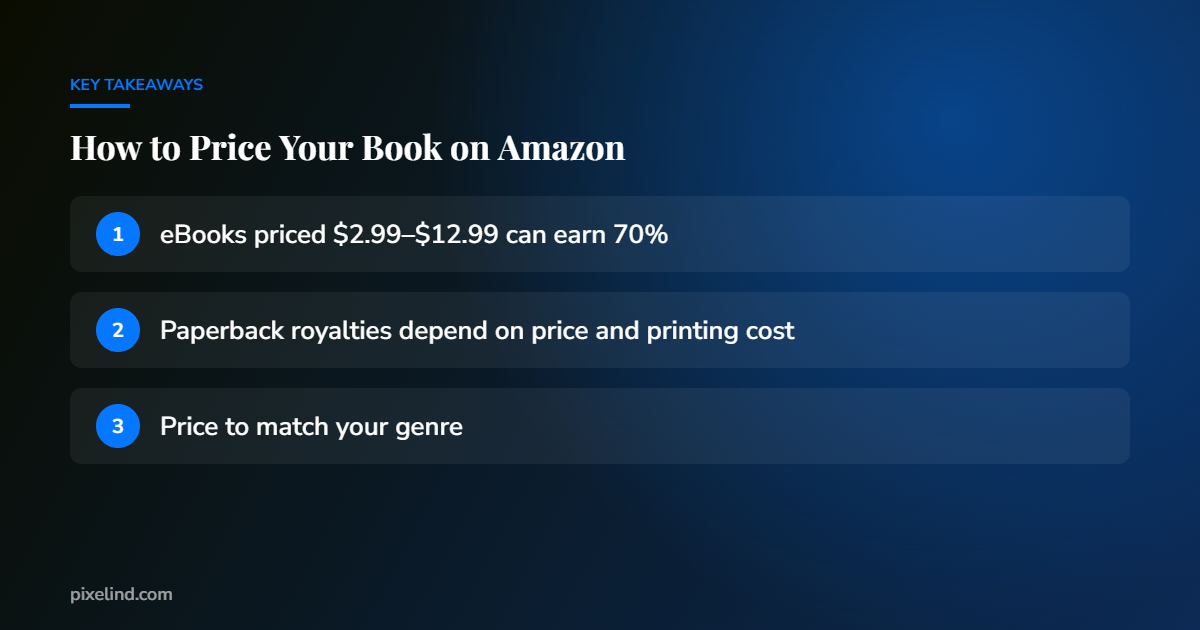
Amazon KDP offers two eBook royalty options: 35% and 70%. On Amazon.com, eBooks priced between $2.99 and $12.99 can qualify for the 70% option. This range was expanded in July 2026; before that, the upper limit was $9.99. Books outside the range earn 35%. On the 70% option, a small delivery fee based on file size is deducted.
How paperback royalties work
For paperbacks, your royalty is a percentage of the list price minus the printing cost. On Amazon.com, the royalty rate is higher for books priced at $9.99 or more than for lower-priced books. Printing cost depends on page count, ink type and trim size, so a long book or a colour book needs a higher price to stay profitable.
How to choose your price
- Look at your genre. Check the prices of successful books similar to yours. Readers have expectations for each genre.
- Consider length. A short guide and a 400-page novel shouldn’t cost the same.
- Check your royalty. Use KDP’s pricing tool to see what you’ll actually earn.
- Price your eBook below your paperback. Readers expect eBooks to cost less.
Using price promotions
Temporary discounts can help with a launch or a series. If your eBook is in KDP Select, Kindle Countdown Deals let you discount it while keeping your 70% royalty rate.
Prices can change
Amazon updates its royalty rules from time to time, so always confirm current terms in your KDP account before setting your prices.
Related reading
- How to Write a Book Description That Sells
- 7 Cover Design Mistakes That Make Self-Published Books Look Amateur
- How to Choose Amazon KDP Categories and Keywords
Need help publishing your book?
We help authors set up and publish on Amazon KDP, IngramSpark and other stores, with files that meet every platform’s requirements.
See our publishing support, request a free sample or book a free 30-minute call.