When you publish on Amazon KDP, you choose categories and keywords for your book. These help Amazon understand what your book is about and show it to readers who are looking for books like yours.
Why categories matter
Categories are the virtual shelves where readers browse. A book in a well-chosen, specific category is easier to discover than one placed in a huge, general category where it competes with thousands of bestsellers.
How to choose categories
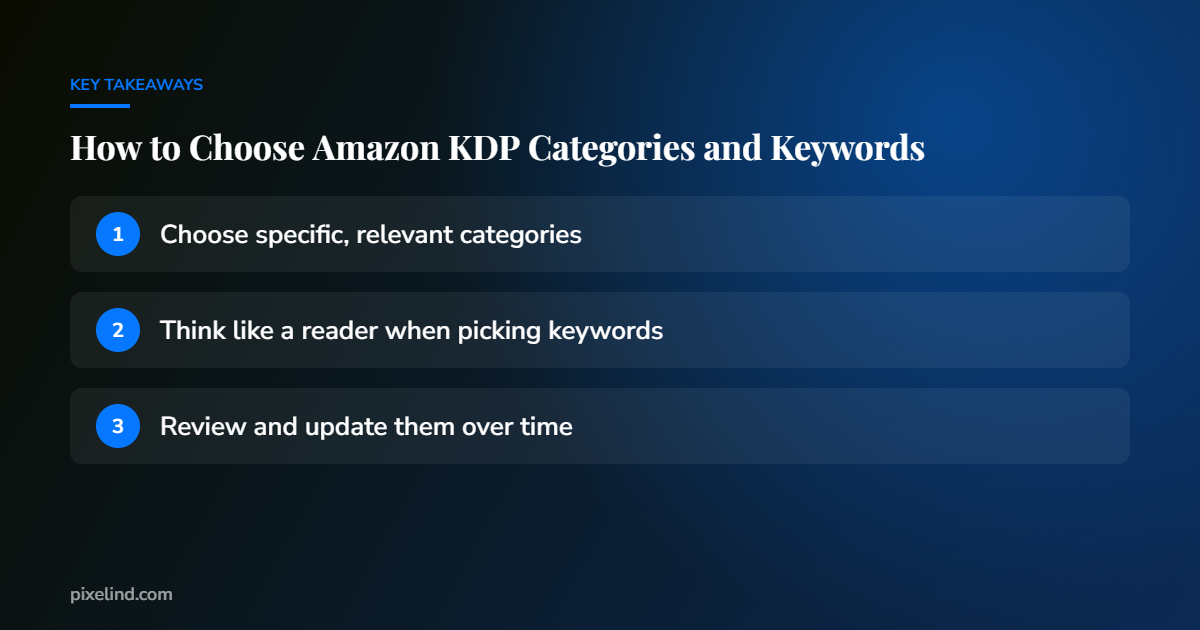
- Be accurate. Choose categories that truly describe your book. Readers who browse a category expect a certain kind of book.
- Be specific. “Cozy Mystery” is more useful than just “Mystery” if that’s what you write.
- Research comparable books. Look at books similar to yours on Amazon and note which categories they rank in.
What keywords are
Keywords are words and short phrases readers might type into Amazon’s search bar. KDP lets you add keywords to help your book appear in relevant searches.
How to choose keywords
- Think like a reader. What would someone type when looking for a book like yours? Think about genre, themes, setting, character types and the problem a non-fiction book solves.
- Use Amazon’s search bar. Start typing a phrase and look at the suggestions. They show what real shoppers search for.
- Use phrases, not just single words. “Small town romance with a single dad” is more targeted than “romance.”
- Don’t repeat your title or category. Use the space for new terms.
What to avoid
Don’t use other authors’ names, other book titles, misleading terms or claims like “bestseller” or “free.” Amazon’s guidelines prohibit misleading metadata, and it can lead to problems with your listing.
Revisit them
You can update categories and keywords after publishing. If your book isn’t being found, reviewing your metadata is a quick, free improvement.
Need help publishing your book?
We help authors set up and publish on Amazon KDP, IngramSpark and other stores, with files that meet every platform’s requirements.
See our publishing support, request a free sample or book a free 30-minute call.