Children’s picture books are a joy to create, but they’re very different from novels. Every page is a design, and the text and illustrations need to work together.
Plan your page count
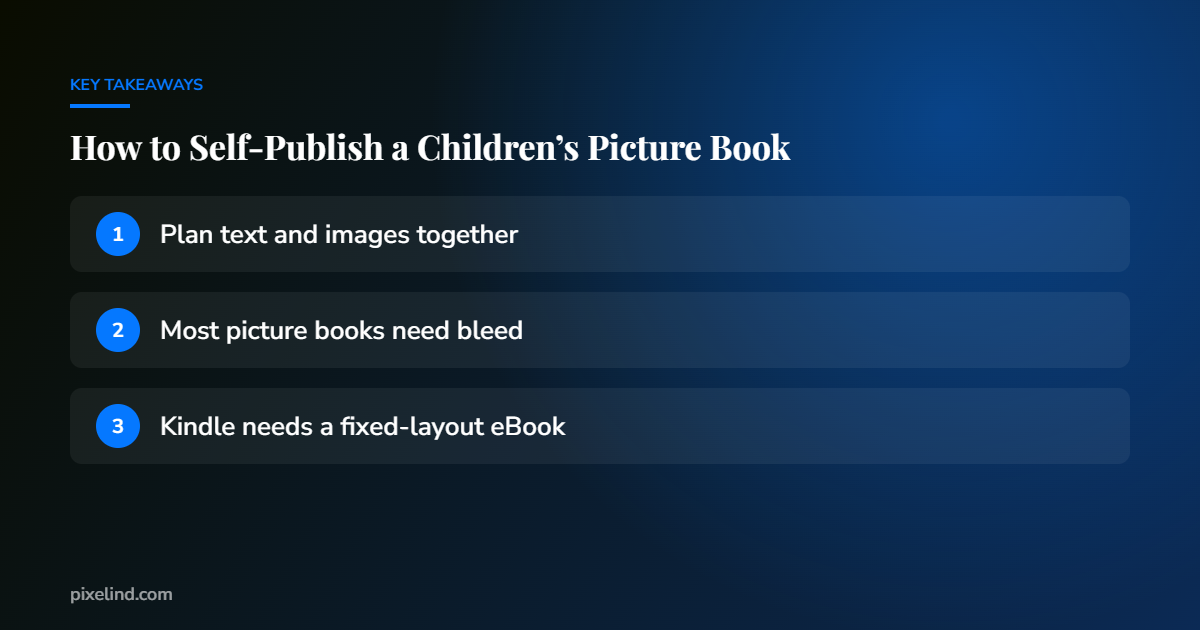
Many traditionally published picture books have 32 pages, including front matter. Planning your story spread by spread, two facing pages at a time, helps you pace the story and the page turns.
Text and illustrations together
- Leave clear space in each illustration for the text.
- Keep text away from the gutter, where it can disappear into the binding.
- Use a clear, friendly font at a size young readers can follow.
Bleed and image quality
Most picture books have illustrations that run to the edge of the page, which means you need bleed. On Amazon KDP, that’s an extra 0.125 in on the top, bottom and outside edges. Illustrations should be at least 300 DPI for print, and important details should stay away from the trim edge.
Choosing a trim size
Square and landscape sizes are popular for picture books, as are larger portrait sizes like 8.5 × 11 in. Check which sizes your printer supports in colour before illustrations are drawn, because changing size later can mean redrawing.
Colour printing
Colour printing costs more, so your price must account for it. Order a printed proof to check colours, as they often look different on paper than on screen.
The eBook version
Picture books don’t work as reflowable eBooks. They need a fixed-layout eBook, where each page keeps its design. Amazon’s free Kindle Create tool can prepare fixed-layout eBooks for children’s books.
Want a book that looks professionally published?
We format interiors and design covers by hand, ready for print and eBook.
See our formatting service, request a free sample or book a free 30-minute call.