
Workbooks, planners and journals are popular self-publishing projects. They’re also very different from novels: readers don’t just read them, they write in them. That changes how you design every page.
Choose a practical trim size
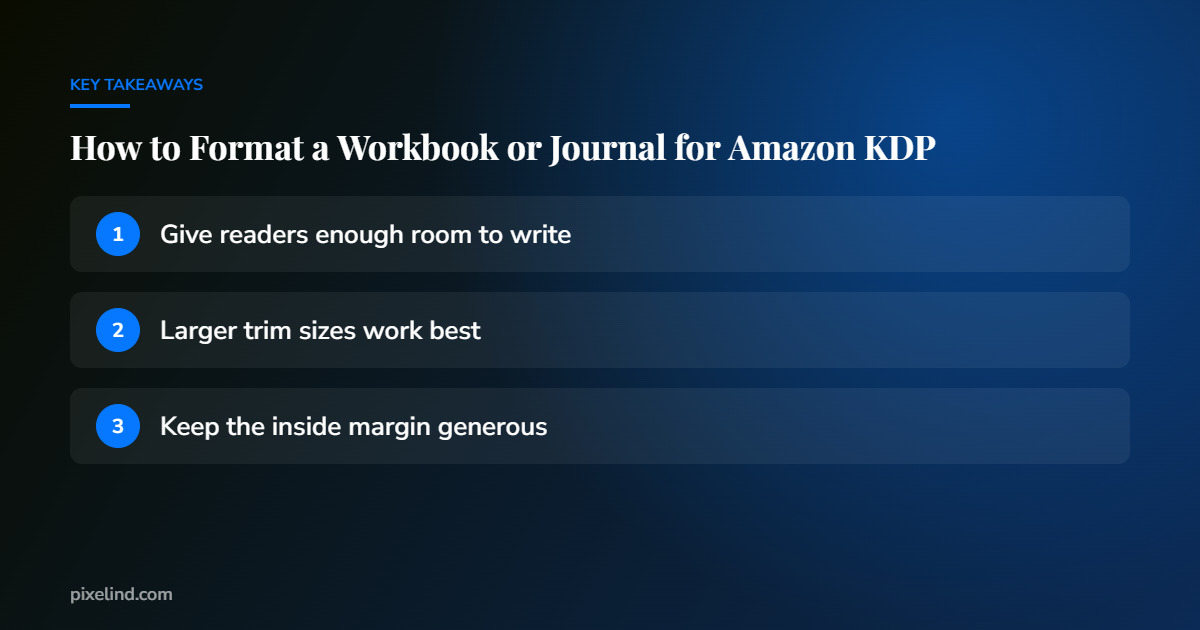
Larger sizes like 8.5 × 11 in or 7 × 10 in give readers room to write. Smaller journals, such as 6 × 9 in, are easier to carry but offer less writing space.
Design for writing
- Line spacing: writing lines should be wide enough for real handwriting.
- Inside margin: keep writing areas well away from the spine. A paperback doesn’t lie flat, so content near the gutter is hard to reach with a pen.
- White space: a crowded page is stressful to fill in.
Create a consistent system
Use the same layout for repeating pages, such as daily logs or exercises. Consistent headings, icons and spacing make the book easy to use.
Paper and ink
Think about how your book will be used. Black-and-white interiors keep printing costs down. If you use colour, check your printing cost and order a proof to see how colours print.
Instructions and examples
Start with a short “How to use this book” page. A filled-in example of an exercise helps readers understand what to do.
Low-content books and Amazon’s rules
Simple journals and planners are often called low-content books. Make sure your interior offers real value and is your own original design. Duplicated or very low-effort content can create problems with publishing platforms.
Want a book that looks professionally published?
We format interiors and design covers by hand, ready for print and eBook.
See our formatting service, request a free sample or book a free 30-minute call.