Many first-time authors expect one file to work for every format. In reality, your paperback and your eBook need two very different files, and understanding why will save you time, money and rejected uploads.
The print-ready PDF
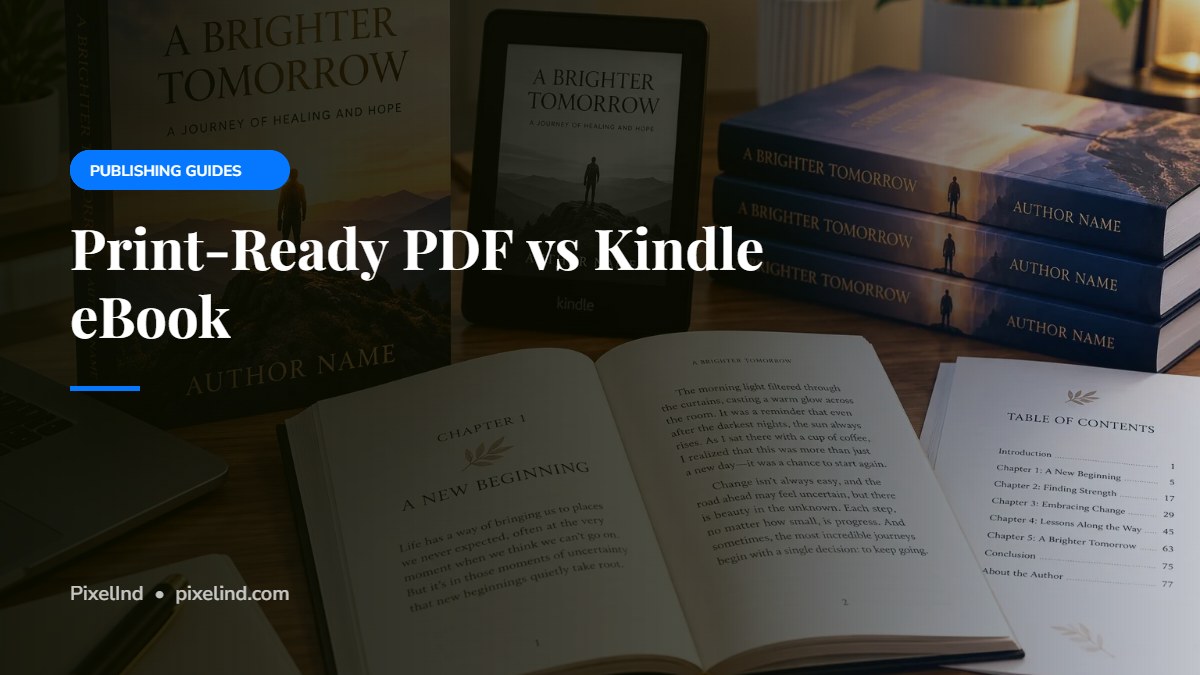
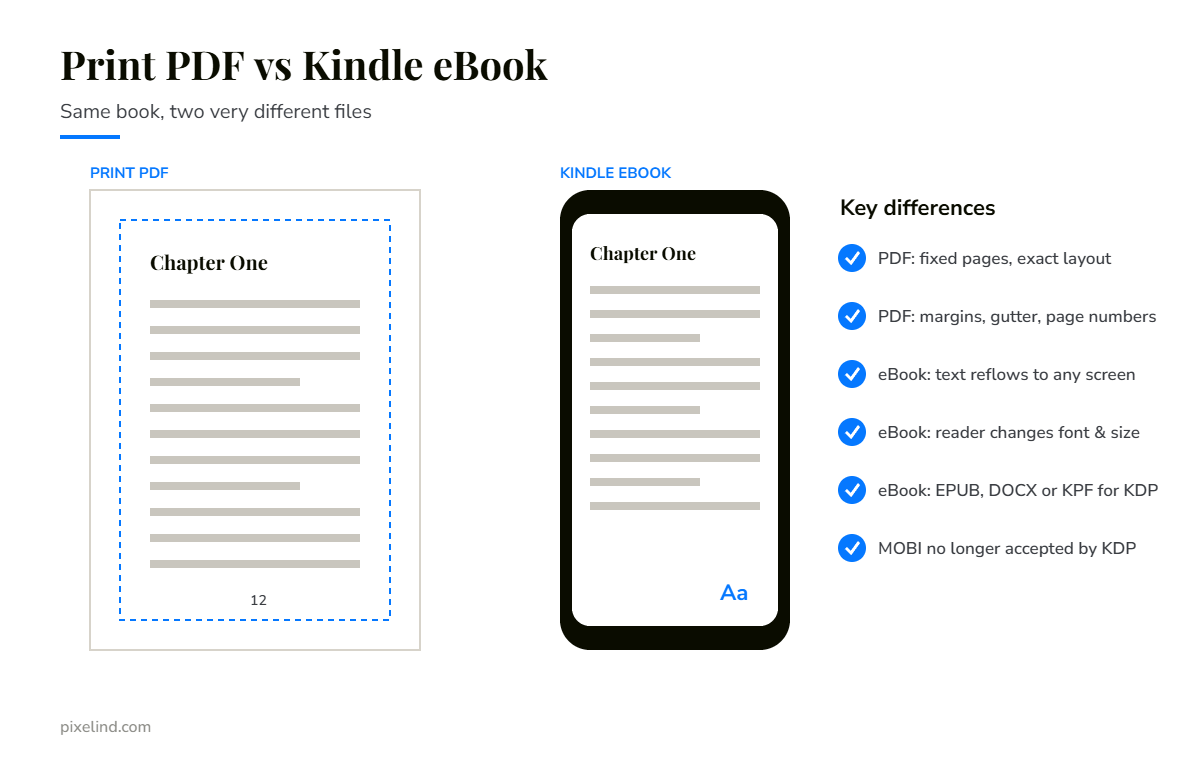
A print-ready PDF is a fixed layout. Every page looks exactly the same for every reader, because it’s printed on paper. It’s built for one specific trim size and page count, and it controls:
- exact page size, margins and the inside gutter;
- chapter openings, headers and page numbers;
- fonts, which must be embedded in the file;
- images at print resolution (300 DPI), with bleed where needed.
The Kindle eBook
Most eBooks are reflowable. There are no fixed pages: the text flows to fit whatever screen it’s read on, from a phone to a tablet, and readers can change the font and text size. That means no page numbers, no fixed line breaks and a clickable table of contents instead.
Picture books, comics and some cookbooks use a fixed-layout eBook instead, where each page keeps its design.
Which files does Amazon KDP accept?
For reflowable eBooks, KDP recommends EPUB, DOCX (Word) or KPF files, the format created by Amazon’s free Kindle Create tool. MOBI files are no longer accepted for new or updated eBooks: KDP stopped accepting them for reflowable eBooks in August 2021 and for fixed-layout eBooks in March 2025.
Why you can’t just convert your PDF
Turning a print PDF into an eBook usually produces broken results: stray page numbers and headers in the middle of text, odd line breaks, missing chapter navigation and images in the wrong places. The print file is designed for paper, so the eBook should be built from your manuscript as its own file.
Quick comparison
- Layout: fixed (PDF) vs reflowable (most eBooks).
- Page numbers: yes vs no.
- Fonts: chosen by the designer vs adjustable by the reader.
- Navigation: printed contents page vs clickable table of contents.
- Used for: paperback and hardcover vs Kindle and other eBook stores.
Before you publish
Always preview your eBook with Amazon’s free Kindle Previewer, and order a printed proof of your paperback. Both will catch problems that are easy to miss on screen.
Need both files?
We format your print-ready PDF and your Kindle eBook from the same manuscript, so both look consistent and meet Amazon KDP requirements.